

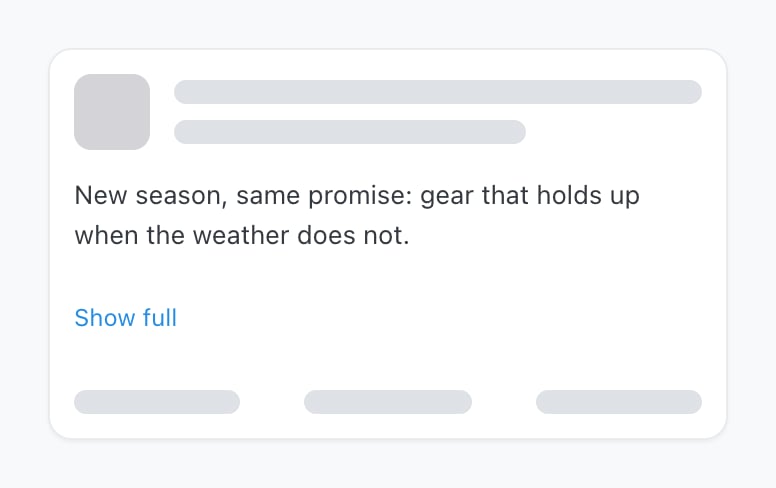
A post in Preview. With no channel selected you get this generic card; pick a channel and the preview takes on that network's own layout.
Why it’s worth using
The same caption looks different everywhere, and the differences are the ones that embarrass you:- Where a network truncates the caption behind a more link
- How a thread breaks across posts on X, Threads, Bluesky and Mastodon
- Which image leads a carousel
- Whether a link renders as a link preview card or as bare text
Link previews
On the networks that show them, the preview includes the link preview card — the title, description and image the network pulls from the page you linked. That card comes from the linked page’s own metadata, not from Ocoya. If it looks wrong, the fix is on that page rather than in the post. It’s still worth checking here, because a missing or ugly card is much easier to fix before publishing than after.What the preview can’t tell you
It’s a faithful rendering of your content, not a simulation of the network:- It doesn’t prove the channel is still connected — a post can preview perfectly and fail because access lapsed. See Why didn’t my post publish?
- It doesn’t apply the network’s own cropping to video thumbnails.
- It doesn’t show how the post ranks or who sees it.
Check the per-channel version
If you’ve written different captions per channel, the preview shows each channel’s own version — so switching between them is the quickest way to confirm the short version really is on the channel that needed it.Related
The post editor
Per-channel captions and what the editor checks as you write.
Long posts and threads
What a long caption becomes on X, Threads, Bluesky and Mastodon.