

Join
Open the account menu — the avatar at the top of the sidebar — and select Settings. The Refer us card sits in the settings sidebar: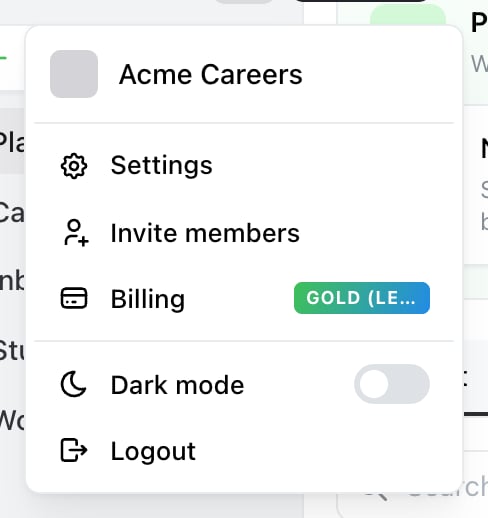
Settings is in the account menu, behind the avatar at the top of the sidebar.
Invite others to Ocoya and earn recurring commission from referrals.Selecting Refer us opens Ocoya’s affiliate portal in a new tab. Sign up there, and the portal gives you your referral link and tracks everything that follows. The programme runs on a dedicated affiliate platform rather than inside Ocoya, so your link, your stats and your payouts all live in that portal rather than in your Ocoya account.
How a referral is counted
Someone has to reach Ocoya through your link for it to be attributed to you. If they hear about Ocoya from you but type the address directly, there’s nothing connecting the two and no commission. That’s the single most common reason a referral doesn’t appear, so it’s worth making the link the easy path — in a newsletter, a video description, or a post about how you actually use Ocoya. A referral earns commission once the person subscribes and pays. A signup or a free trial that never converts doesn’t earn anything until it becomes a paid subscription.Your stats and payouts
Both live in the affiliate portal. It tracks the funnel from clicks through to paid conversions, and shows what you’ve earned, what’s awaiting payout and what’s already been paid.Commission rates, qualifying periods and payout schedules are set by the Ocoya team in that portal rather than in the app, so they aren’t shown anywhere in Ocoya. Ask support for the current terms.
Common questions
“Someone signed up but I don’t see commission.” Either they didn’t arrive through your link, or they haven’t paid yet — a trial or free signup doesn’t count until it converts. “Where do I set my payout details?” In the affiliate portal, not in Ocoya. Nothing can be paid until they’re set. “Can I refer people to a plan I’m not on?” Yes — what you’re on doesn’t affect what you can refer.Related
Contact support
For commission rates, payout timing, or a referral that wasn’t tracked.