

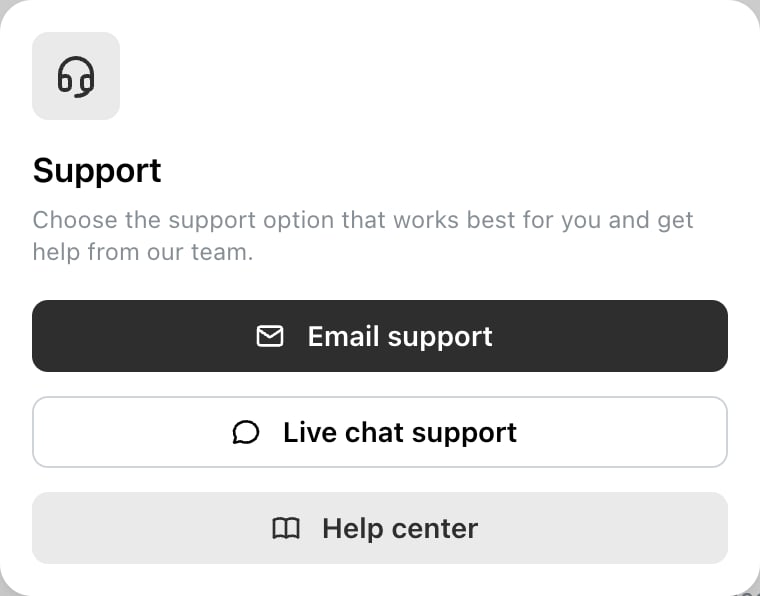
The Support dialog, reached from the bottom of the left sidebar.
Which to use
Live chat for anything urgent or interactive — a post that won’t publish, a channel that won’t connect, a charge you don’t recognise. Email when you need to attach something, when the answer isn’t urgent, or when you want a written trail — a billing query, or a request to delete your account.What to include
The same details answer most questions in one round trip instead of three:- The exact error text, copied rather than described. Ocoya quotes the network’s own message, and that message is usually the answer.
- Which channel and which brand. Most problems are specific to one of each.
- When it happened, or the post’s scheduled time.
- What you expected versus what happened.
Worth checking first
A few problems have the same answer nearly every time:- A post didn’t publish → the channel usually needs reconnecting
- AI output sounds generic → the brand description
- A channel disappeared → you’re in a different brand
- You can’t edit a post → it’s locked
Related
Why didn't my post publish?
The most common thing people write in about.
Contact support
Open the support options in Ocoya.