

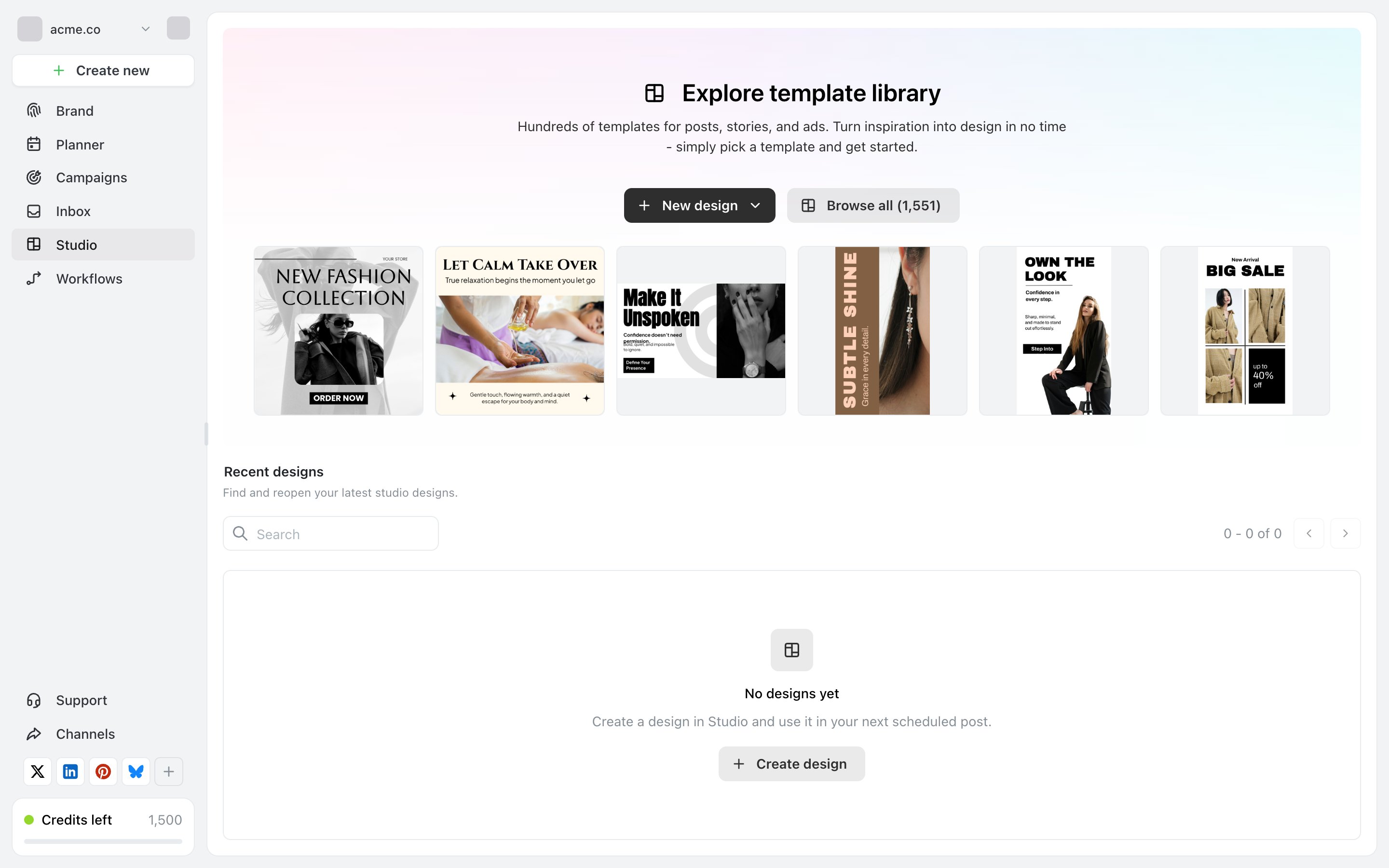
Studio, with the template library across the top and your own designs underneath.
Start a design
New design opens a blank canvas — the dropdown next to it picks the size, so you can start from an Instagram post, a story, or an ad shape rather than resizing later. Browse all opens the template library. There are over 1,500 templates, covering posts, stories and ads. Picking one copies it into your designs; the original is untouched, so you can start from the same template as often as you like. Starting from a template is usually faster than a blank canvas, even when you change most of it — the layout and type sizing are already right for the format.Your designs
Everything you make appears under Recent designs, with a search box. Designs belong to the brand, so anyone with access to that brand can open and edit them, and switching brands shows a different set.Your brand’s look
Studio reads the brand’s visual identity — logos and colours — from your brand profile, which is what keeps generated and template-based designs consistent with everything else you publish. If designs come out looking generic, the brand profile is the thing to fill in, not the design. See Set up your brand.Using a design in a post
A finished design can be attached to a post like any other image. The practical order is: make the design in Studio, then create the post and add it — rather than creating an empty post and hopping back and forth. Each network has its own limits on how many images a post can carry and how large they can be. See Character and media limits.AI text in Studio
Studio has the same AI text tools as the post editor — rewrite, fix spelling, shorten, expand, change tone, translate — applied to a text layer rather than a caption. Each action costs 1 credit, the same as anywhere else. See What are credits?Related
Set up your brand
The logos and colours Studio designs from.
Generate images with AI
The other way to get an image — describe it instead of designing it.