

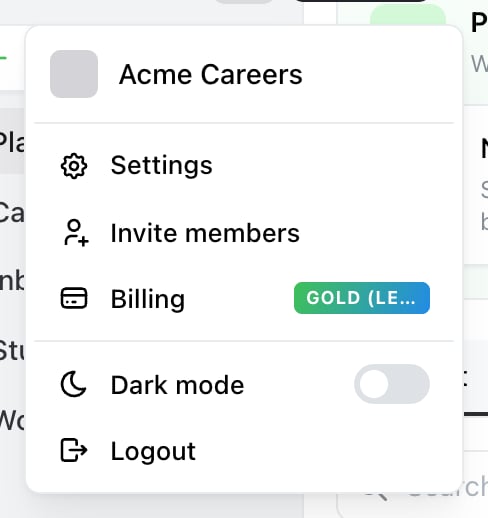
Where Billing lives: the account menu, behind the avatar at the top of the sidebar. The badge shows your current plan.

A legacy plan in Billing: the name carries a Legacy badge, and Ocoya explains what moving would change.
The legacy plans
What moving to a current plan changes
The clearest difference is brands: unlimited on every current plan, where legacy plans cap them. Credits are also more generous, and new features ship to the current plans.
Check the limits you actually use before switching — profile counts and users are where a move can bite.
Why the button says “Switch”, not “Upgrade”
Prices across plan generations aren’t comparable. Legacy Gold at $99 is more expensive than Team at $79 but has fewer credits and capped brands, so calling either direction an upgrade would be misleading. Ocoya labels every move off a legacy plan as a switch and leaves the judgement to you.Moving back
You can’t. Legacy plans are closed to new subscriptions, so switching to a current plan is one-way. That’s the one thing worth being sure about before you do it.Related
Plans and limits
What the current plans include.
Change your plan
How to make the switch.