

What a connection holds
Ocoya only ever gets what you approved on the network’s own permission screen. The scopes are listed there at connection time, and they differ per network.
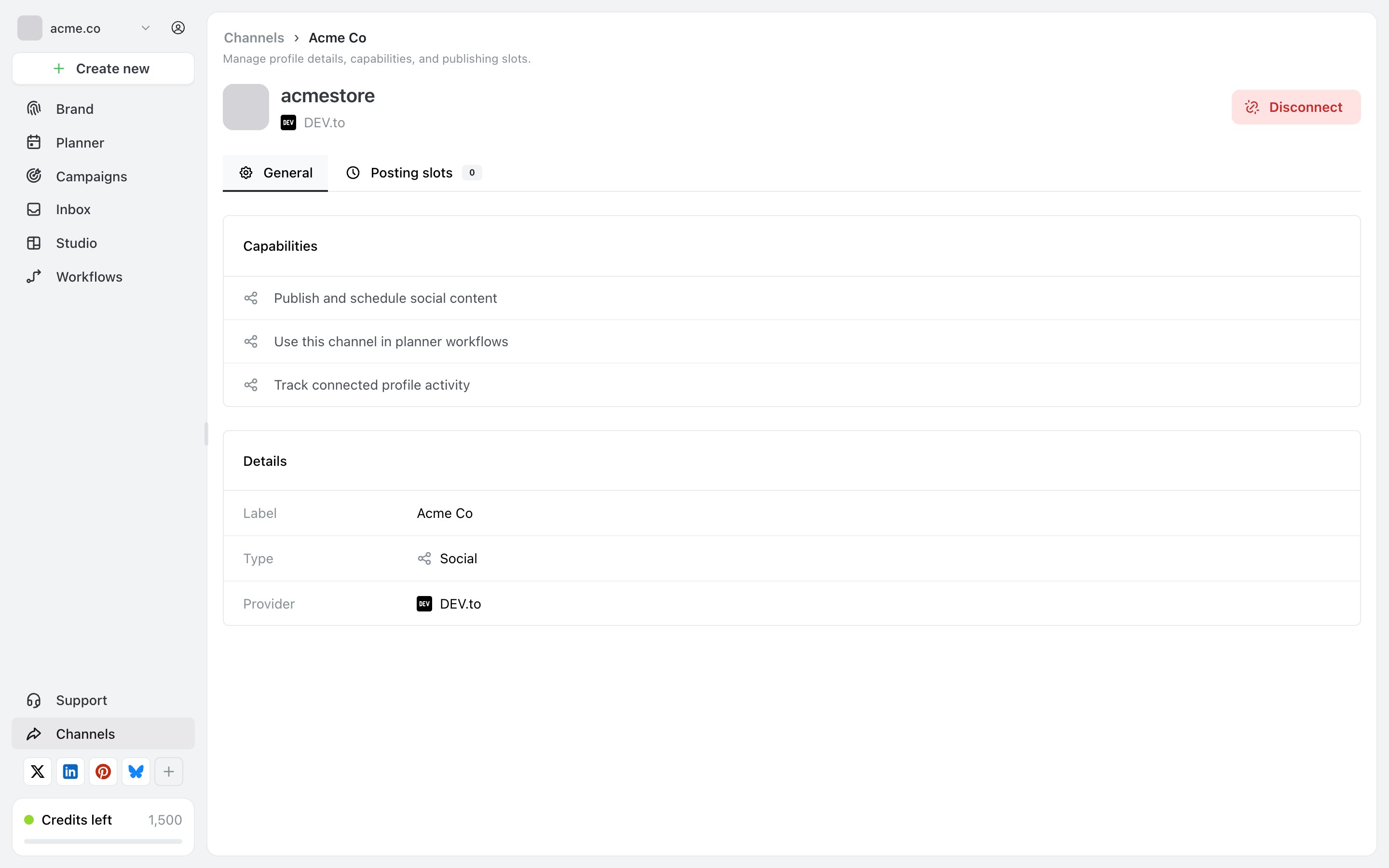
What Ocoya shows you about a connection: its label, its type and the network it came from. Nothing about the credential itself is displayed.
What Ocoya keeps from your activity
Posts you made through Ocoya — the caption, the media, which channels it went to, when, and what the network said back. That history is how Planner shows you what published and why something failed. Inbox conversations, for Facebook and Instagram only. If you use the Inbox, Ocoya pulls in DMs, mentions and comments for those two networks so you can reply from Ocoya. No other network feeds the Inbox, so no other network’s messages are pulled in. How far back the Inbox reaches is set by the networks, not by Ocoya — they limit how much history an app can read.Where it lives
A connected channel belongs to one brand. Connecting the same social account to a second brand is a second, separate connection — the two don’t share state. Who inside a brand can see it is a matter of roles: everyone with access to the brand can see its channels, and what they can do depends on their role. See Roles and permissions.Your own posts, on the network
Ocoya publishes to your account, so what appears there is yours and lives under that network’s terms, not Ocoya’s. Deleting a post inside Ocoya deletes it on the network too, on the networks whose API allows it — see Deleting a published post.Related
Disconnect a channel
What stops, what stays, and how to revoke access properly.
Roles and permissions
Who inside a brand can see and change what.