

The slash menu
Typing/ in the caption opens the same menu as the + button beside it — the AI actions, and anything you can insert. It’s the fastest route to a blank-page AI action or an upload.
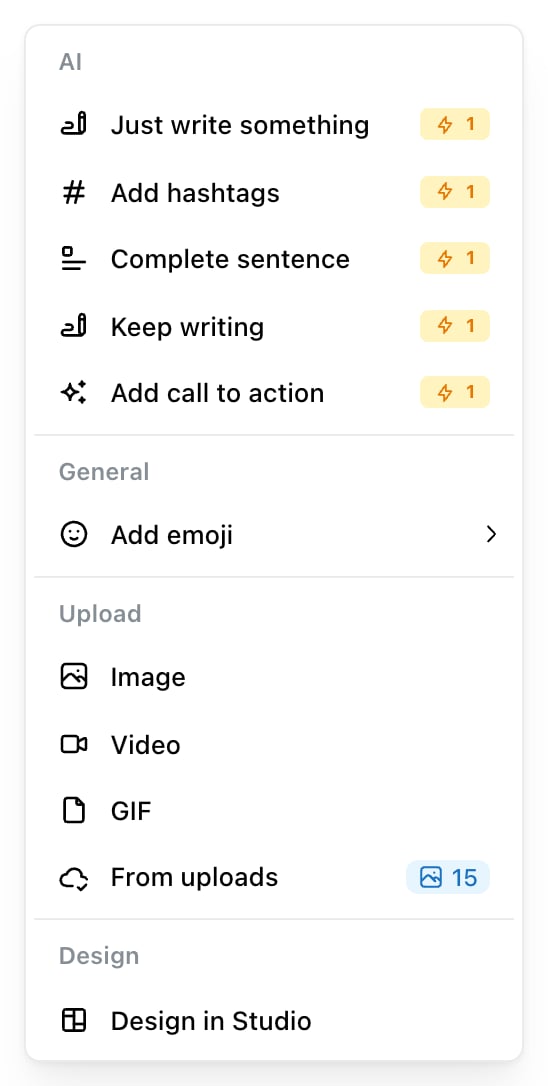
The block menu. With nothing selected it offers the AI actions that write from scratch, each costing 1 credit.
Labels and notes
Ctrl/Cmd + L and Ctrl/Cmd + J open the two panels people use most while drafting — categorising the post, and leaving a note for whoever picks it up next. Esc closes either.
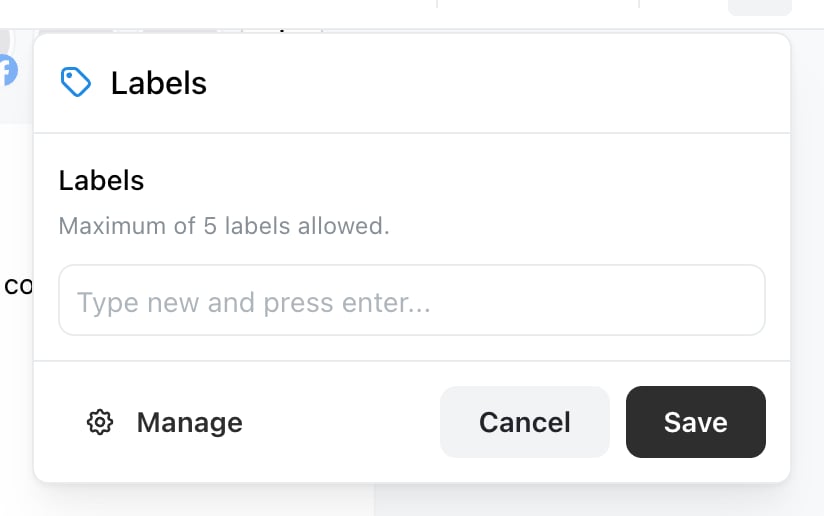
Cmd/Ctrl + L opens Labels without reaching for the toolbar.
Schedule with the keyboard
Ctrl/Cmd + S opens the schedule step rather than saving silently, so you still confirm the date and time. It’s the quickest way to finish a post you’ve just written.
It won’t work on a post that’s locked — published, generating, or inside the two-minute publish window.
Related
The post editor
What the shortcuts open.
Edit a caption with AI
The actions behind the slash menu.