
Google Business connects locations, not accounts. One connected channel is one location, so a business with four branches connects four channels and can post to them separately or together.
Before you start
Your locations need to be verified in Google Business Profile. Unverified locations don’t appear in the list.
Connect Google Business
Open Channels
Select Channels in the left sidebar, then Connect channel.
Choose Google Business
Pick Google Business from the Add a connection panel.
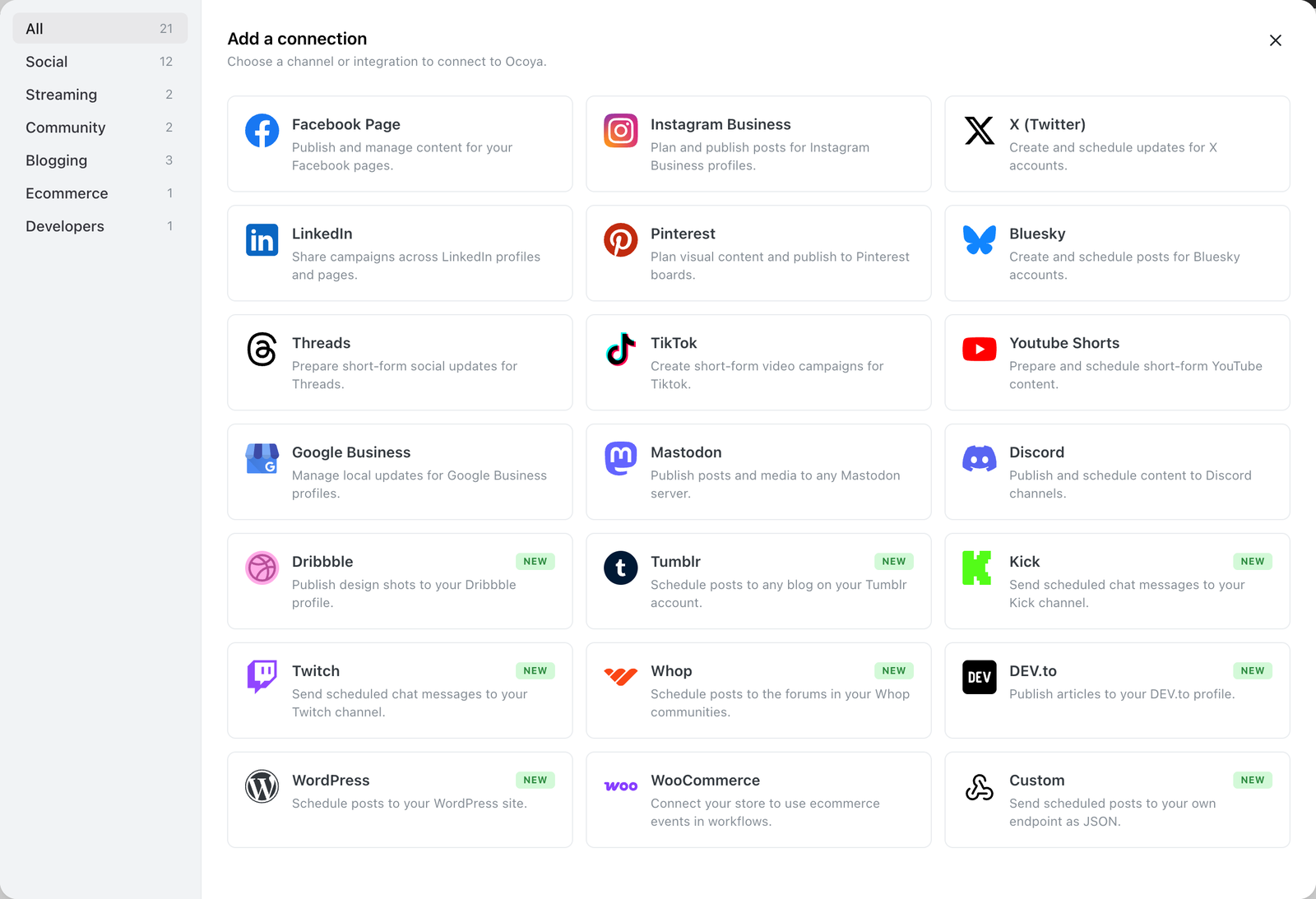
Google Business in the Add a connection panel.
Sign in with Google
Sign in with the account that manages the locations, and approve access.
Select your locations
Ocoya lists every location it can see, named by the location title with its address underneath. Pick the ones you want and add them.
Three kinds of post
Google Business posts aren’t all the same shape. In the post editor, the Google Business options panel gives you three:
| Type | What it’s for | Extra fields |
|---|---|---|
| Update | Ordinary news or announcements | None |
| Offer | A promotion with a start and end | Title, start and end date |
| Event | Something happening at a set time | Title, start and end date |
Offers and events won’t publish without a title and both dates.
Call to action
Update and Event posts can carry a button: Book, Order online, Buy, Learn more or Sign up, each needing a URL. Choose None for no button.
Offers don’t take a call-to-action button — Google renders offers with their own layout instead.
Google Business’ limits
| Limit | |
|---|---|
| Post text | 1,500 characters |
| Images per post | 1, maximum 5 MB |
| Video | Not supported |
Posts are published in English (en-US).
Common problems
“None of my locations appear.” They’re unverified, or the Google account you signed in with doesn’t manage them. Check in Google Business Profile first.
“My offer wouldn’t schedule.” Offers and events need a title and both dates. Ocoya blocks scheduling until they’re filled in.
“My call to action disappeared.” You switched the post to Offer, which doesn’t support one.
“My video was rejected.” Google Business posts are text and a single image only.